
WordPress & WooCommerce
Explore WooCommerce WhatsApp notifications and see how order updates can be delivered to customers.
View DemoConnect WhatsApp with your website, ERP, WooCommerce store, CRM or custom application. Build powerful messaging workflows using the Munshi Ji WhatsApp API.
"POST": /api/messages/send,
{
    "success": true,
    "status": "sent"
  "message": "Message delivered",
}
One WhatsApp platform. Multiple ways to integrate.
A simple API platform for businesses and developers who want WhatsApp communication inside their own applications.
Send WhatsApp messages from your application and receive incoming messages through your API workflow.
Manage multiple WhatsApp numbers and sessions from one centralized platform.
Give your applications controlled access using dedicated API keys.
Connect a WhatsApp account by scanning a QR code. No complicated setup required.
Integrate WhatsApp into your website, ERP, CRM, store or custom software.
Connect your existing business systems and create automated WhatsApp workflows.
Get your WhatsApp session connected and ready for API integration.
Create a WhatsApp session from your Munshi Ji dashboard and receive your API credentials.
Open WhatsApp on your phone and scan the generated QR code to connect your account.
Use the API to connect WhatsApp with your website, ERP, CRM, WooCommerce or custom application.
Use WhatsApp as part of your existing business software and workflows.
Send order confirmations, customer notifications and updates through WhatsApp.
Bring WhatsApp communication directly into your business management system.
Connect customer conversations with your internal workflows and support tools.
Build your own WhatsApp-powered workflows using a simple API.
See how WhatsApp integrations help businesses connect with customers and manage inquiries.
Explore WooCommerce WhatsApp notifications and see how order updates can be delivered to customers.
View Demo
Explore Shopify WhatsApp notifications and see how order updates can be delivered to customers automatically.
View Demo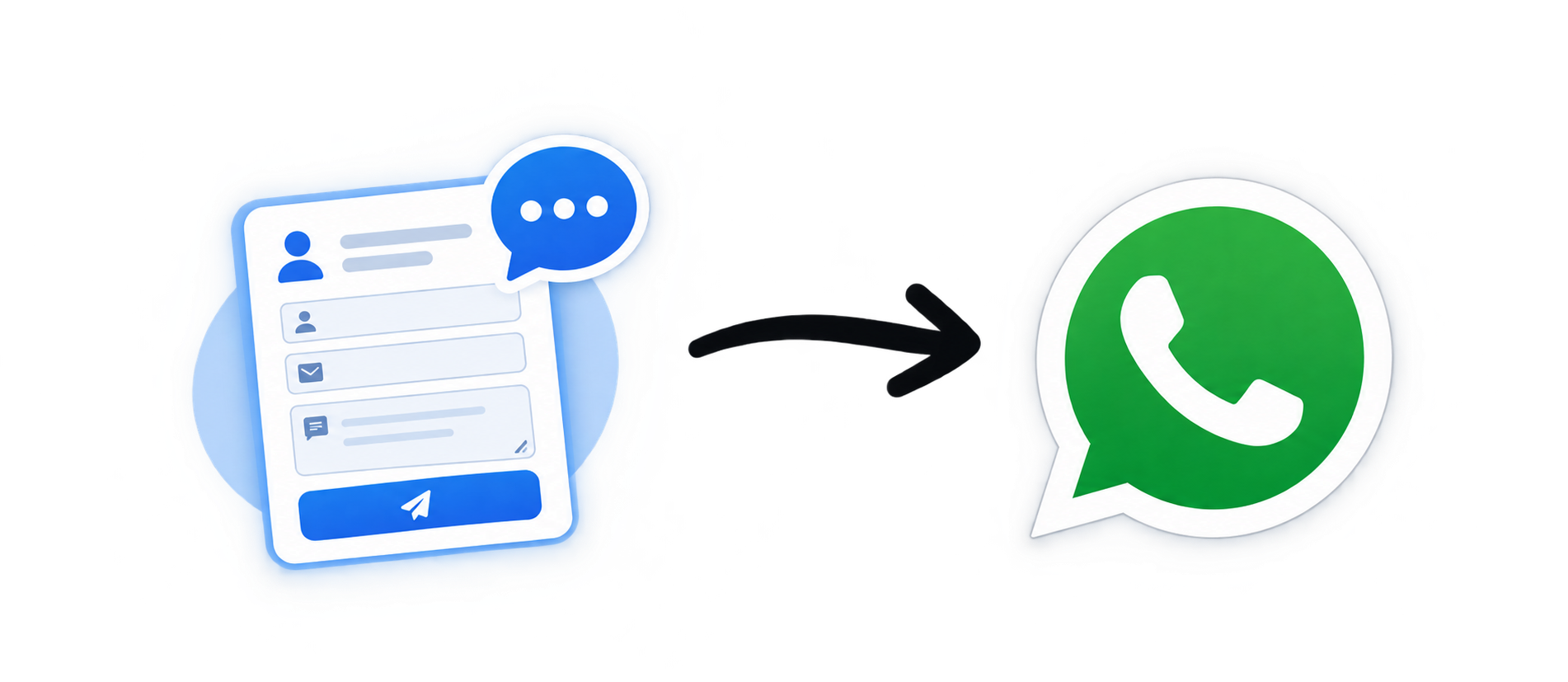
Explore website contact forms and Quick Contact chat. See how visitor inquiries can reach your business through WhatsApp.
View DemoConnect WhatsApp with your existing technology stack or use Dakiya with your favourite commerce platform. Choose the integration that fits your business.
{
  "success": true,
  "message": "Message sent",
  "session": "my-business",
  "status": "sent"
}
One WhatsApp platform. Multiple ways to integrate.
Create your WhatsApp session, connect your number and start building powerful business workflows with the Munshi Ji WhatsApp API.
Have a question, an idea, or need help? Send us a message and our team will get back to you as soon as possible.
Fill out the form below. Your inquiry will be sent to our team through WhatsApp.